Keypresses
The pymetrics (Harver) Keypresses game is a finger-tapping task that measures motor speed alongside instruction-following. Your early, in-window, and post-STOP presses are logged separately.
Create an account to save your results. A pymetrics pass includes unlimited replays. All results stay free.
Updated
How to play
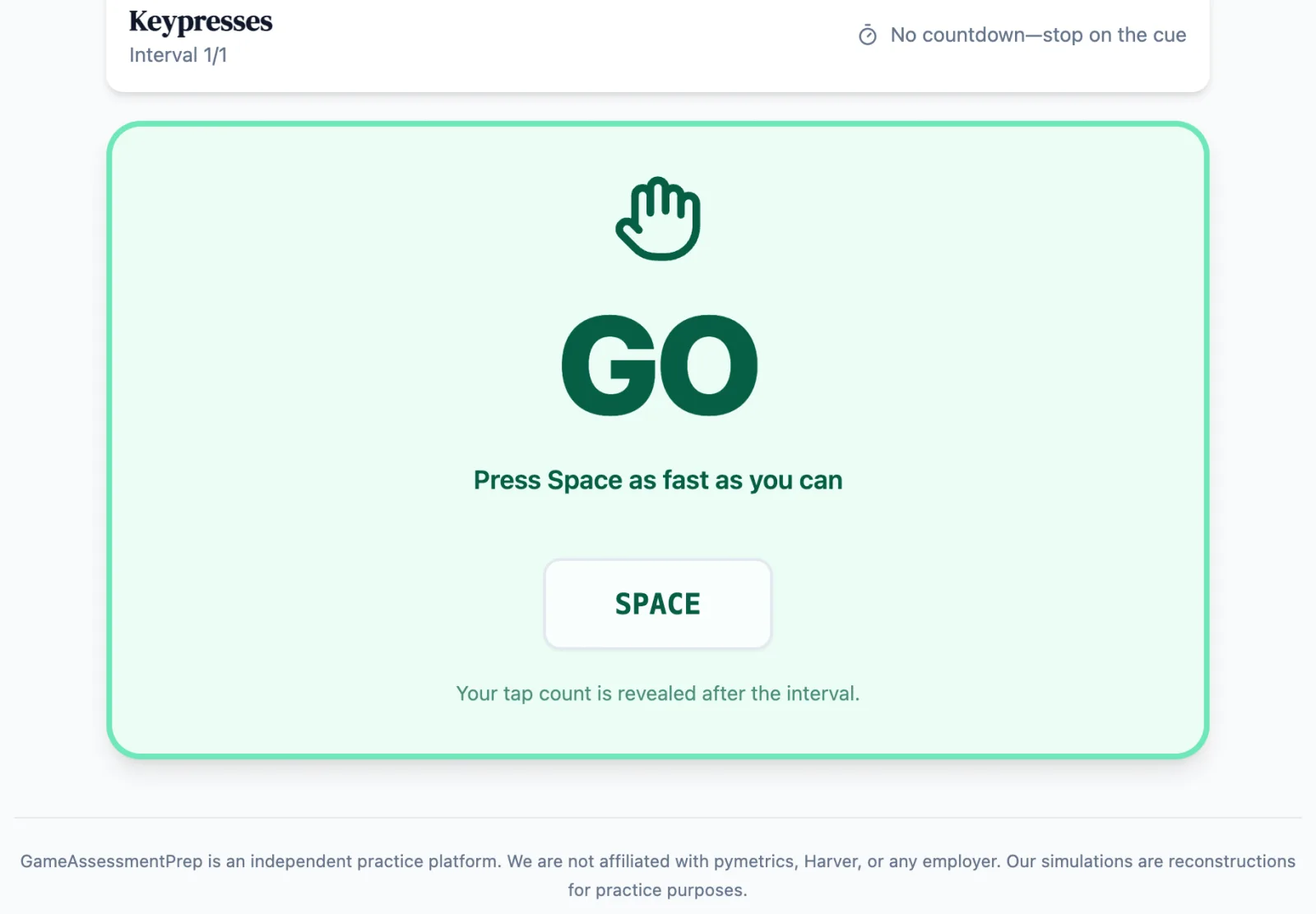
Wait for GO. From GO until STOP, press the spacebar as rapidly as possible using your dominant-hand index finger. Stop immediately when STOP appears.
Presses before GO and after STOP are recorded separately as start/stop compliance signals.
The live tap count stays hidden and is revealed only on the completion screen.
On a touch device, use the full-width TAP button in place of the spacebar.
In the real assessment
The real interval length is not publicly confirmed and may vary. This reconstruction uses the recommended 15-second default and, like the real task, does not show a live counter.
Skills assessed
Create an account to save your results. A pymetrics pass includes unlimited replays. All results stay free.
Score improvement across practice attempts
Across our matched practice data, the median candidate improves their score by +14% between their first and fifth practice attempt on a game — with no employer ever seeing practice data.
Read the full methodologyMedian pymetrics score lift by practice attempt
Median paired change vs. first attempt on scored pymetrics practice games. Observed practice association — not a hiring-outcome guarantee.
Keypresses practice guide
Read the rules, scoring context and practice strategies for this game.
Read the Keypresses guideGameAssessmentPrep is an independent practice platform. We are not affiliated with pymetrics, Harver, or any employer. Our simulations are reconstructions for practice purposes.