Digits
The pymetrics (Harver) Digits game measures short-term working-memory span. Digits flash one at a time, then you reproduce the sequence in the same order as the length rises or falls with your answers.
Create an account to save your results. A pymetrics pass includes unlimited replays. All results stay free.
Updated
How to play
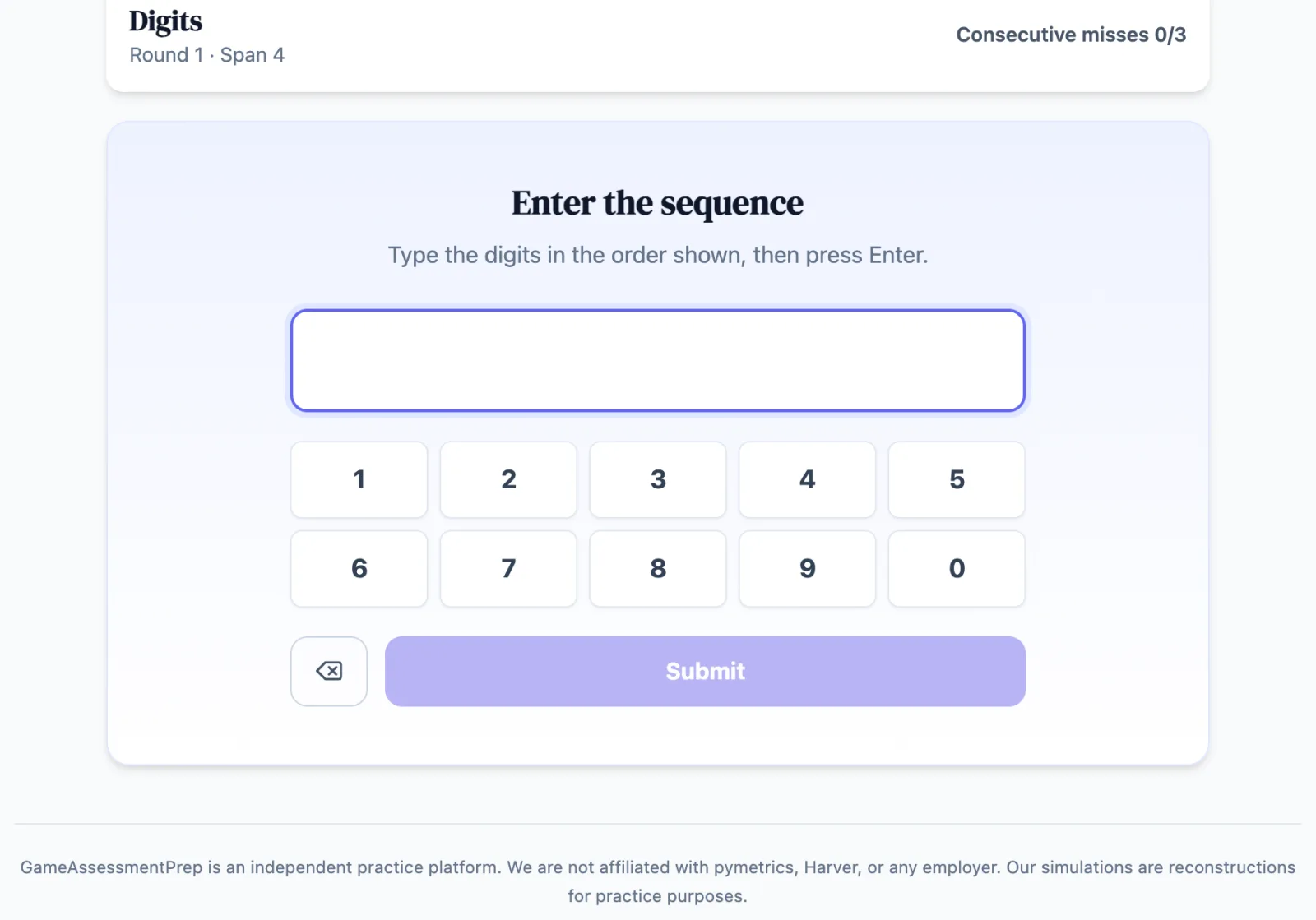
Watch the digits as they flash one at a time. When the recall field appears, enter every digit in the same order and submit.
A correct recall makes the next sequence one digit longer. An incorrect recall makes it one digit shorter.
Recall is forward-only. The game ends after three consecutive incorrect recalls.
Use the number keys or on-screen keypad, then press Enter or select Submit.
In the real assessment
The real assessment does not tell you whether a recall was right. This practice version flashes ✓ or ✕ after each submission so you can learn.
Skills assessed
Create an account to save your results. A pymetrics pass includes unlimited replays. All results stay free.
Score improvement across practice attempts
Across our matched practice data, the median candidate improves their score by +14% between their first and fifth practice attempt on a game — with no employer ever seeing practice data.
Read the full methodologyMedian pymetrics score lift by practice attempt
Median paired change vs. first attempt on scored pymetrics practice games. Observed practice association — not a hiring-outcome guarantee.
Digits practice guide
Read the rules, scoring context and practice strategies for this game.
Read the Digits guideGameAssessmentPrep is an independent practice platform. We are not affiliated with pymetrics, Harver, or any employer. Our simulations are reconstructions for practice purposes.