pymetrics Stop Game: Complete Practice Guide | Game Assessment Prep
By the Game Assessment Prep research teamUpdated July 16, 2026How we research
What is the pymetrics Stop game?
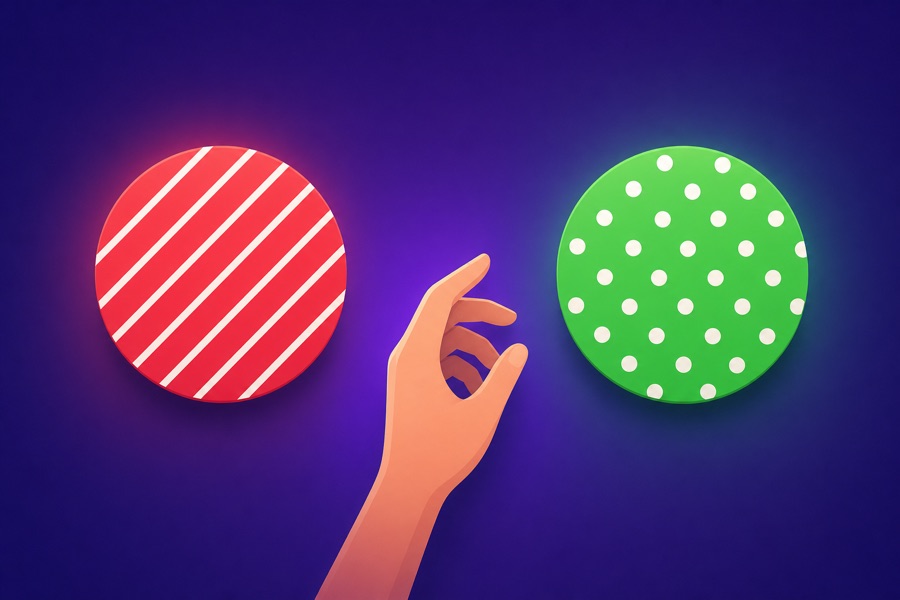
Stop is a rapid go/no-go task. Circles appear one at a time in the same place. You press the spacebar when a red circle appears and do nothing when a green circle appears. The name can be misleading: this is not a stop-signal task in which a response begins and is canceled after a delayed signal. Each Stop trial presents one stimulus and asks for either a press or a withheld response.
The repeated red circles are important. Several go trials in a row make pressing feel automatic, so the first green circle after that run is easy to answer by mistake. That mistaken press is a false alarm. Failing to press for red is a miss. A good round balances both sides: withholding accurately without becoming so cautious that red circles are missed.
Our simulation is reconstructed from pymetrics patents, the established go/no-go paradigm, and carefully qualified preparation reports. It is not pymetrics production software, and no public source discloses the employer scoring formula or a universal pass threshold.
What does Stop measure?
The clearest construct is response inhibition: can you interrupt a simple, prepared motor response when the no-go cue appears? False alarms on green are the most direct observable signal. The task also requires sustained attention because the rule is easy enough to become monotonous. A lapse can produce either an automatic press on green or a missed red.
Reaction time adds context but is not a target by itself. Extremely cautious responding may reduce false alarms while increasing misses or slowing every press. Extremely fast responding may improve average reaction time while increasing impulsive errors. We therefore show accuracy, false alarms, and average reaction time together rather than presenting speed as universally better.
Pymetrics may derive additional features from timing sequences, error recovery, or changes across the task. We log every trial so you can see comparable behaviors, but we do not claim to know the private model or the profile an employer prefers.
Parameters we know—and what remains uncertain
Task classification and input are high-confidence. Patent language names a go/no-go task, and detailed sources agree on the spacebar. The best-supported mapping is red equals press and green equals withhold. One weaker source reversed that mapping, so our engine keeps it configurable even though the recommended red-press rule ships by default.
About 80 circles over roughly two minutes is a preparation-site consensus, not a number published by pymetrics. Our default uses 80 trials with a fast approximately one-second stream. Stimulus mix and order are seeded and randomized, not adaptive. There is no stop-signal delay and no staircase.
The real assessment is generally described as giving no right/wrong feedback. Our practice version adds a subtle check or cross after each circle because immediate correction helps you learn the rule. Every feedback state combines an icon with text and color. Red and green also carry permanent pattern and letter cues, making the practice task readable without color vision alone; that accessibility treatment may not visually match the production interface.
Six practical strategies
1. Translate the rule into one action phrase
Use “red, press” rather than mentally repeating both rules on every trial. Green then means the absence of that action. A short action phrase reduces verbal load and leaves more attention for the stimulus.
2. Release the key completely
Make one clean press and lift your finger. Resting weight on the spacebar encourages accidental repeats and makes it harder to tell whether you intentionally responded. The game logs one response per circle, but clean mechanics still improve timing consistency.
3. Reset after every red streak
After two or three reds, expect the next circle to be a fresh decision rather than another press. Do not try to predict green; simply insert a tiny mental checkpoint before acting. Our session insight reports how many false alarms followed long red runs because that is the classic inhibition trap.
4. Keep your eyes on one location
The circle appears centrally, so visual scanning is unnecessary. Fixating near the middle reduces eye movement and makes changes easier to register. Avoid watching the round counter while stimuli are active.
5. Do not trade all speed for caution
If false alarms are high, slow the press decision slightly. If misses rise while false alarms are already low, you may have overcorrected. Adjust one beat at a time and judge the combined accuracy pattern, not reaction time alone.
6. Recover on the very next circle
Feedback belongs to the completed trial. A cross does not predict the next color and should not trigger a run of cautious or frustrated answers. Use the guaranteed blank between stimuli to release the key, breathe, and reset.
How to read your practice result
Accuracy includes hits on red and correct inhibitions on green. False alarms count presses on green. Average reaction time is calculated from correct red presses, because a withheld response has no keypress latency. The detailed log separately records hits, misses, correct inhibitions, false alarms, response source, reaction time, and the length of the preceding go streak.
The percentile score is the integer accuracy percentage used by this practice site. It becomes visible only after enough comparable sessions exist. It is not a pymetrics percentile, pass mark, or hiring prediction. Use it to compare your own rounds under the same reconstruction.
Stop FAQ
Is Stop a stop-signal test?
No. Despite the name, the supported implementation is go/no-go. There is no second signal arriving after a go cue and no adaptive stop-signal delay.
Should I press for green?
No. The shipped rule is press for red and withhold for green. Read the instruction screen in case a future verified recording requires the configurable mapping to change.
Is a faster reaction always better?
No. Speed matters only alongside control. A slightly slower round with fewer false alarms and misses may reflect better task performance than fast, error-prone pressing.
Can I use a phone?
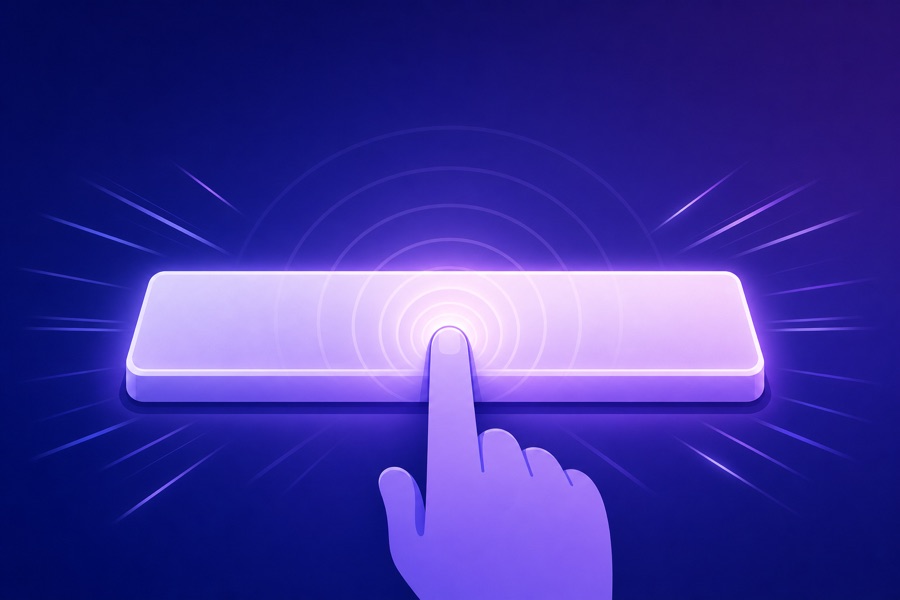
The practice game provides a full-width touch button, but the real assessment is best taken on a computer with a physical keyboard. Practice on desktop at least once so the motor action is familiar.
What score do I need?
There is no public universal threshold. Employers use role-specific models, and pymetrics normally does not show candidates an individual Stop score. Practice for instruction familiarity and stable control, not a supposed magic number.
Continue your pymetrics preparation
Review the complete guide library for game mechanics, transparent practice metrics, and focused strategies across the full battery.
Browse pymetrics guides